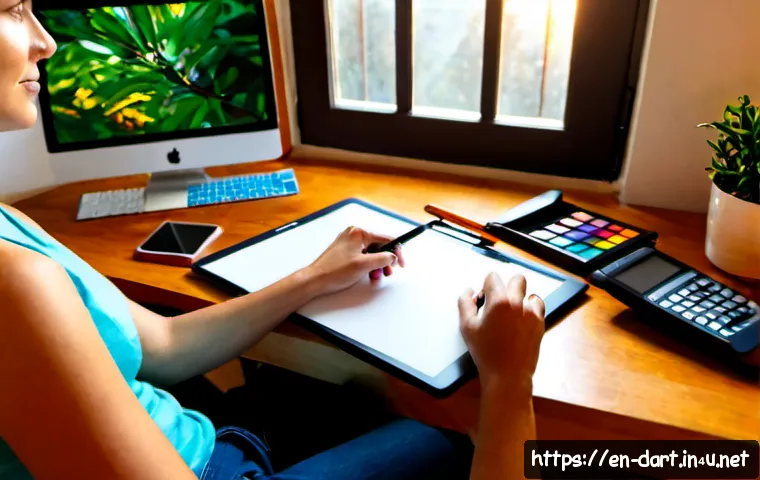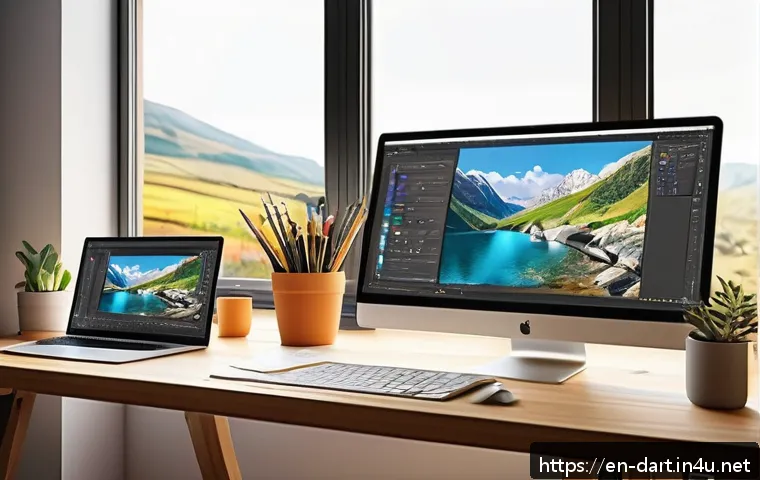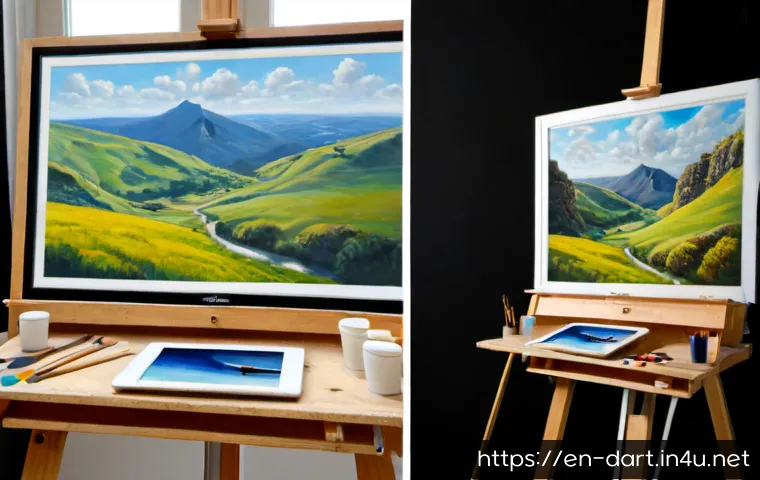
Digital painting offers editable layers, fast revisions, and lower recurring material waste, while traditional painting delivers physical texture and original artwork value.
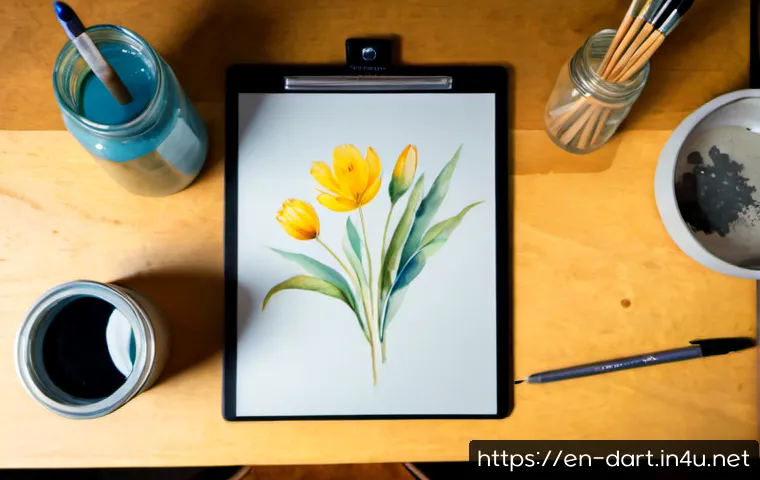
Compare tools, costs, learning curves, and the best fit for your creative goals.
Digital painting is usually the better fit for fast revisions, remote client approvals, and work that needs to become online content or print files. Traditional painting is often the better fit for artists who value physical originals, tactile surfaces, and material texture.
For a limited budget, the right choice depends less on which method is “better” and more on what you already own, how often you practice, and what you plan to make.
A drawing tablet and art software can support a flexible digital workflow, while brushes, paint, and paper or canvas support direct hands-on learning.
Both paths build the same essential visual skills. A hybrid process can be a low-risk way to test both without committing fully to one setup.
At a Glance
- Choose digital painting for editable layers, quicker revisions, client delivery, and reusable files for portfolios or print production.
- Choose traditional painting for physical originals, natural surface texture, and a hands-on process with real materials.
- Choose a hybrid workflow if you want to sketch on paper first, then scan, refine, reproduce, or share the work digitally.
| Decision Factor | Digital Painting | Traditional Painting |
|---|---|---|
| Basic setup | Drawing tablet or pen display, stylus, computer or standalone device, and art software | Paper or canvas, brushes, paint or dry media, and basic cleaning supplies |
| Recurring expenses | Possible software subscriptions, accessories, replacement nibs, storage, and printing | Replacement paint, paper, canvas, brushes, solvents or cleaning supplies, and storage |
| Making revisions | Layers, undo functions, color adjustments, and composition changes can be non-destructive | Changes may require repainting, covering, scraping, restarting, or adapting the original plan |
| Workspace needs | Often works in a compact desk-based setup | May require drying space, cleaning space, storage, or ventilation depending on the medium |
| Final output | Digital files for portfolios, social media, client approval, licensing, and print production | Physical original artwork with surface variation and material texture |
The Short Answer: Choose the Workflow That Matches How You Create and Sell
The best medium is the one that supports your working habits, final format, and selling plan. Digital and traditional painting are not opposing skill sets. They are different production systems built around many of the same artistic fundamentals.
Digital painting is usually stronger for revisions, client work, and reproduction
Digital painting is practical when your work involves feedback, multiple versions, or remote delivery. A layer-based workflow can make it easier to move elements, test color changes, adjust values, and revise a composition without permanently changing earlier work. That matters for commission artists who need to share previews or request approval before a final delivery.
Digital files also move naturally into online portfolios, social content, client presentations, and print production. If your goal is to create illustrations, downloadable products, print-ready artwork, or a consistent content workflow, compare drawing tablet size, stylus comfort, display type, and art software features before buying.
Traditional painting is often stronger for physical originals, tactile practice, and gallery-ready pieces
Traditional media creates something digital simulation cannot exactly duplicate: a physical original with real paper grain, brush pressure, pigment behavior, and surface variation. Watercolor, acrylic, oil, pastel, graphite, and ink each leave material evidence of the process. That quality can be central to artists who want to build an original-art portfolio or show work in person.
The trade-off is that physical media needs ongoing replenishment and more attention to the workspace. Depending on the medium, you may need storage, cleaning tools, drying time, ventilation, or safer handling practices. Plan around the process, not only the look of the finished work.
A hybrid approach can reduce risk for artists who are still deciding
A hybrid workflow is often the most flexible starting point. You might sketch with graphite or ink, scan the drawing, then use digital painting for color, cleanup, layout changes, and reproduction. You can also create a traditional original and prepare digital files for an online portfolio or print workflow.
This approach lets you keep the physical feel of traditional mark-making while gaining the editing convenience of digital tools. It is especially useful when you enjoy working by hand but need files for client approvals, social media, or print-on-demand planning.
Digital and Traditional Painting Compared: Tools, Cost, Flexibility, and Output
Do not compare these methods only by the first item you buy. Consider the full workflow: what you need to create, revise, store, reproduce, and deliver the work.
Startup equipment: tablet and software versus brushes, paint, and surfaces
Digital painting requires compatible hardware and software. A setup may include a computer or standalone pen display, a drawing tablet, a stylus, and an art application. The useful feature set depends on your workflow. Some artists need layers and export options; others care more about brush response, screen drawing, or portability.
Traditional painting starts with physical materials: graphite, ink, watercolor, acrylic, oil, pastel, paper, canvas, brushes, and related supplies. It may be possible to start with a small material set, but each medium has its own requirements. A paint set is only part of the decision; surfaces, tools, cleaning, and storage also affect the workflow.
Buy for the work you plan to make next, not for every possibility you may explore later. A compact setup that you use consistently is more useful than advanced hardware or a large supply collection that sits unused.
Ongoing spending: subscriptions, accessories, replacement materials, and studio supplies
Digital work can reduce material waste because you are not replacing paper, canvas, and paint for every revision. However, it is not a zero-cost workflow. Art software may have a subscription or license structure, and hardware can involve accessories, replacement nibs, file storage, or eventual upgrades. Printing physical copies also adds a separate production step.
Traditional work has recurring material costs. Paint, paper, canvas, brushes, and other supplies are used over time. Framing, protective packaging, storage, and shipping can also matter if you plan to sell physical originals. Some media may require additional studio supplies and suitable working conditions.
Before choosing either path, make a simple list of one-time equipment, recurring supplies, and output costs. This prevents a low entry price from hiding a more demanding long-term workflow.
Editing, undo options, layers, and the cost of mistakes
Digital painting has a clear advantage when revision speed matters. Layers can separate linework, color, shadows, text, and background elements. This can make client changes and composition testing easier, particularly when you need alternate versions of the same project.
Traditional painting requires a different mindset. Some adjustments are possible, but the medium may show the history of the correction. That can be frustrating for artists who want precision, yet it can also encourage deliberate decisions and adaptable problem-solving. The “cost” of a mistake may be extra materials, more time, or a new surface.
Neither process eliminates mistakes. Digital tools make many changes reversible; traditional tools make every decision more physically present. Choose based on how much revision your normal projects require.
Physical originals, print sales, licensing, and client delivery formats
Traditional painting naturally produces an original object. For artists who want to sell originals, build a physical portfolio, or emphasize texture, this can be a meaningful advantage. A photograph or scan may help document the work, but it does not fully replace the experience of the original surface.
Digital painting begins as a file, which can be prepared for online use without photographing the artwork first. That is useful for digital commissions, licensing discussions, social content, online portfolios, and print production. It does not automatically determine income, but it can simplify certain delivery formats.
For print sellers, the key question is not whether digital or traditional is superior. It is whether your final file preparation, printing needs, and product format match your intended sales channel.
Skills That Transfer Between Screen and Surface
Switching tools does not erase your progress. Whether you paint on a screen, paper, or canvas, the strongest improvements usually come from fundamental visual skills.
Drawing fundamentals, value, perspective, and composition
Observation, composition, value control, perspective, and visual storytelling transfer directly between workflows. A strong subject placement is still strong on a tablet. Clear light and shadow still matter on canvas. Practice with simple forms, references, thumbnails, and limited-value studies can support either medium.
Do not treat a new device or paint brand as a substitute for regular practice. Tools affect the process, but they do not automatically solve proportion, depth, or composition problems.
Color management versus pigment mixing
Digital painting lets you select and adjust colors through software. You can test alternatives quickly, revise color balance, and keep elements separate through layers. Traditional painting teaches color through pigment mixing, opacity, transparency, dilution, and interaction with the surface.
Both can build color understanding. The important difference is practical: digital color choices are easier to alter later, while traditional color decisions are often part of the physical painting process. If you work for print, check how your files and intended output are handled before committing to a production plan.
Brush control, mark-making, and texture in each workflow
Traditional brushes and tools respond to paint load, pressure, paper tooth, canvas texture, and movement. Digital brushes can simulate many marks, but the screen surface and stylus response create a different physical experience. Neither is automatically more expressive.
If mark-making is central to your style, try a short study in each workflow. Pay attention to whether you enjoy the resistance of the surface, the speed of the tool, and the amount of control you have over accidental effects.
Common Mistakes When Choosing an Art Setup
The most expensive mistake is often buying for an imagined future workflow instead of the projects you actually finish.
Buying advanced hardware before establishing a consistent practice routine
A large pen display or advanced drawing tablet may be useful for some artists, but it cannot create a routine for you. Start with equipment that lets you practice comfortably and consistently. Upgrade when you can identify a specific limitation, such as insufficient workspace, an uncomfortable stylus, or a missing feature you repeatedly need.
Underestimating hidden costs such as software plans, printing, framing, and workspace supplies
Look beyond the headline purchase. Digital artists may need to review art software pricing, accessory needs, backup options, and printing requirements. Traditional artists should consider replenishment, framing, storage, packing, cleaning, and any workspace supplies required by their medium.
Choosing tools based on trends rather than the intended output
A popular tablet, paint brand, or online course may not fit your goals. A commission artist may prioritize revisions and file delivery. An artist preparing originals may prioritize surfaces, texture, and presentation. A creator producing tutorials may prioritize a workflow that is easy to record, organize, and share.
Ignoring file backup, display calibration, drying time, or safe material handling
Digital work needs a file backup habit. If color accuracy matters for print production, display calibration and output checks deserve attention. Traditional work needs practical planning for drying time, storage, cleanup, and safe material handling where relevant. These details are less exciting than choosing brushes or software, but they can shape whether a workflow stays sustainable.
Which Option Fits Your Creative Situation?
Your situation can make the decision clearer than a general debate about digital versus traditional art.
Beginners building foundational skills on a limited budget
Beginners can learn with either method because core skills transfer. Choose the option you can access and use regularly. A modest sketching setup may support observation and drawing practice, while an accessible digital setup may be useful if you already have compatible equipment and want easy revision.
Keep your first goal small: complete studies, learn basic value and composition, and discover which process keeps you engaged.
Freelancers handling revisions, commissions, and remote client approvals
Digital painting is usually more convenient for commission workflows that need drafts, revision rounds, alternate versions, and remote delivery. Layers and editable files can make changes easier to manage. Before selecting art software or a drawing tablet, consider your typical canvas size, file format needs, backup process, and client delivery method.
Artists selling originals, participating in local exhibitions, or creating textured work
Traditional painting may suit artists whose work depends on surface texture, physical scale, or original ownership. A real canvas or paper piece can become part of the value of the finished work. Be realistic about the practical side: originals may need protection, storage, framing, and careful shipping arrangements.
Creators producing prints, social content, tutorials, or digital products
Digital painting offers a direct route to files for social media, online portfolios, and print production. Traditional artists can also work in this space by scanning or photographing finished pieces, then preparing digital versions. A hybrid workflow is often useful when you want physical marks in the original but need flexible files afterward.
Selection Criteria and Comparison Summary
Choose digital painting if fast revisions, editable layers, portability, remote approvals, and reproducible files matter most. Choose traditional painting if physical originals, tactile learning, material texture, and an object-based art practice matter most. Choose a hybrid process if you want both hand-made marks and digital flexibility.
Before investing, check these points:
- Will your main output be client files, printed products, physical originals, or a mix?
- Do you need frequent revisions, alternate compositions, or fast color adjustments?
- Can your workspace support storage, cleanup, ventilation, and drying time when needed?
- What recurring costs will follow the initial purchase: software, replacement nibs, paint, paper, printing, framing, or shipping?
- Do you need a compact portable setup, or do you prefer a dedicated studio process?
Compare tablet size, software pricing, required materials, compatibility, and your final sales channel before investing. Review official product details and current conditions on the relevant product or software page before making a purchase.
Final Thoughts
Digital and traditional painting are both valid ways to build an art practice. Digital tools favor flexibility and file-based delivery, while traditional media favors direct material experience and physical originals. The better choice is the one that supports the work you want to finish consistently. Start with a manageable setup, practice the fundamentals, and upgrade only when a clear workflow limitation appears.
Useful Things to Know
1. A traditional sketch can become a digital project after scanning or photographing it.
2. Digital files are useful for portfolios, approvals, social media, and print preparation without photographing an original first.
3. Traditional materials may require storage, cleaning, drying time, or ventilation depending on the medium.
4. Layers and undo functions help with revision, but they do not replace drawing, value, composition, or color skills.
Important Considerations
Total setup cost varies by region, device tier, software license, material quality, and equipment you already own. No tablet, pen display, software application, or paint brand is automatically the best choice for every artist. Check current compatibility, feature requirements, workspace needs, and pricing before purchasing. Income from commissions, prints, licensing, or original sales cannot be assumed from a specific medium alone.
Frequently Asked Questions
Q1. Is digital painting cheaper than traditional painting for beginners?
A1. It depends on what you already own and how you work. Digital painting may involve hardware and art software, while traditional painting involves ongoing purchases of physical supplies. Compare the initial setup with recurring costs such as software plans, replacement materials, printing, storage, and workspace supplies.
Q2. Do I need an expensive drawing tablet to create professional digital art?
A2. Not necessarily. The most suitable drawing tablet depends on your workflow, compatibility needs, preferred working area, and software requirements. A higher-priced device may offer useful features, but consistent practice and strong fundamentals remain essential.
Q3. Can traditional painters transition to digital art without losing their personal style?
A3. Yes. Core choices such as composition, value, color relationships, subject matter, and mark-making can carry over. A hybrid workflow—traditional sketching followed by digital refinement—can make the transition feel more familiar while you learn new tools.